
How to Activate 2FA for the Online Billing Portal using Google Authenticator
Active as of 08/04/2023
Login in the Control Panel

Click on HELLO (your name)

Click on Securty Settings
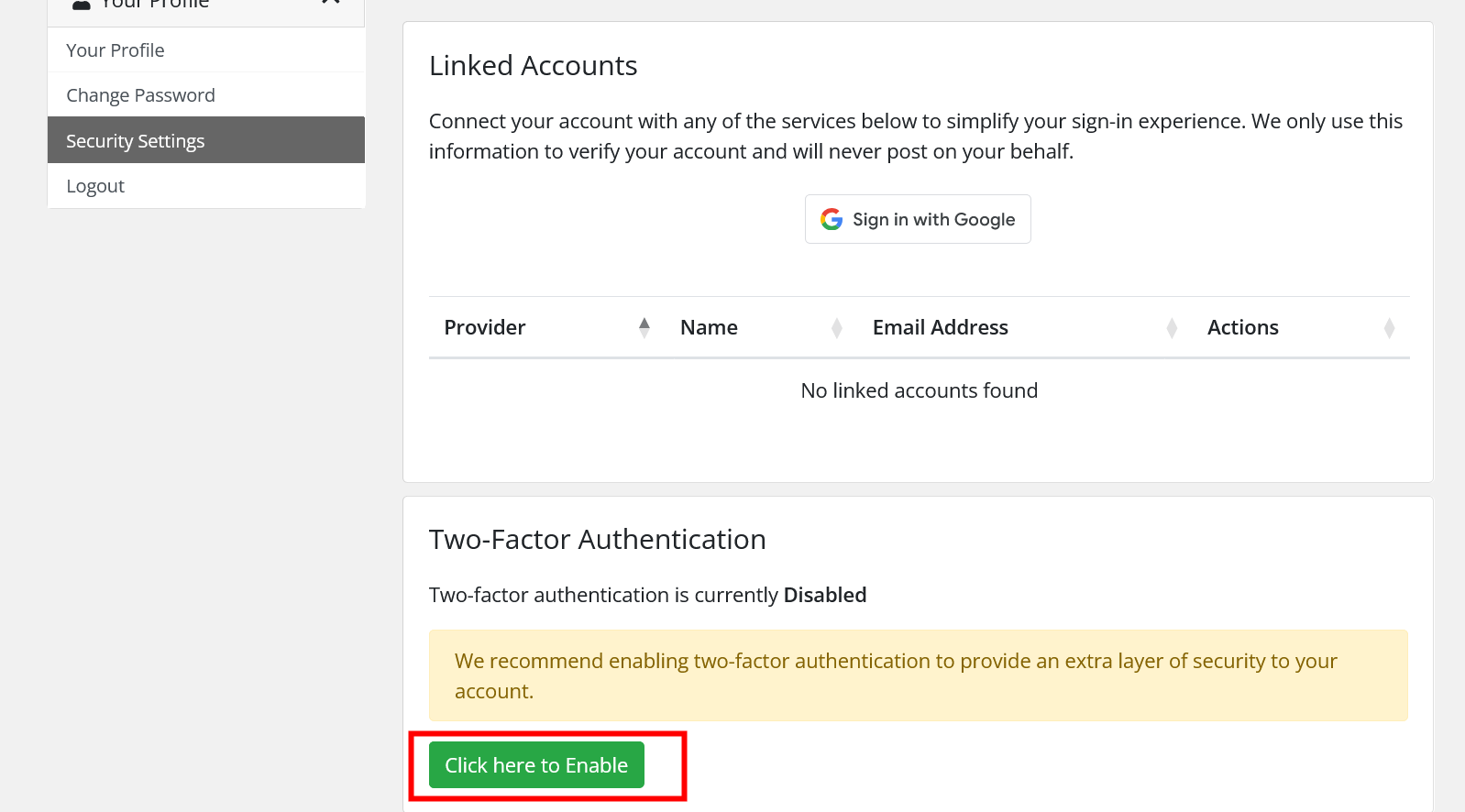
Enable 2FA and follow the instructions
Install Google Authnticator and Open
Then Add (by clicking on the + sign)
Give it a name (eg. WDP Billing)
Enter the code or scan the QR Code and Save
Once all that is done then Google Authenticator will give the 6 digit code
Enter that code into the Login Page
The next time you login you will need the code to login from Google Authenticator
(If you have multiple users that login with the same account, we recommend that you create a user login for them, that is separate from your Admin info)
