
How to Authorised Representative to access your account on your behalf
You can give access to a thrid party and he / she will be authorized to manage your account as it suits / fits you in 4 easy steps. Also you can add them to access certain parts of the billing or only support. Your choice.
- Login into your Account module with the information provided on sign-up Login here
- Once logged in CLICK on YOUR NAME or COMPANY (top right hand corner)

- CLICK on USER MANGMENT (from that drop down menu)
- Invite Use
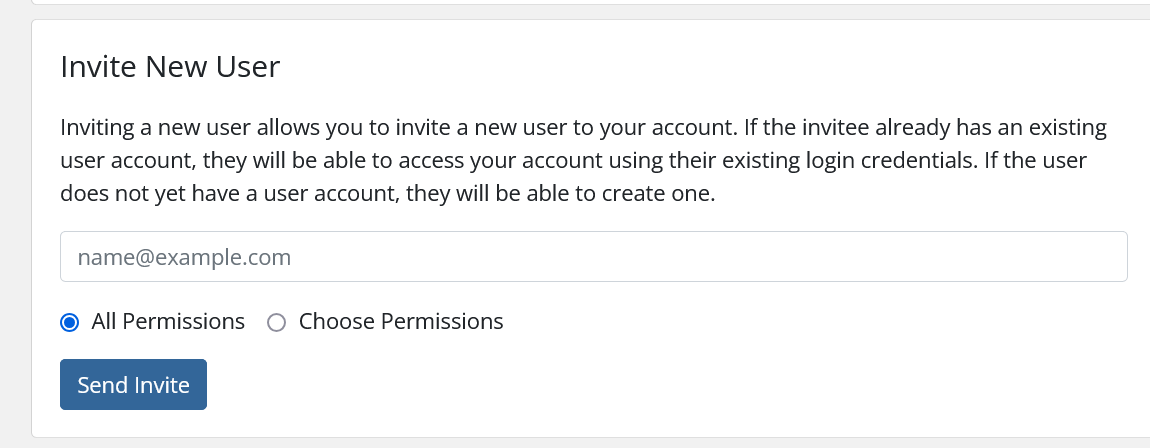
- Fill in details and Invite
