
Enable 2FA Configuration with Google Authenticator
Download on your mobile Google Authenticator from Play Store or APP Store
Login into your CLOUD PBX
Then on TOP right hand corner CLICK on the username

Then CLICK on PROFILE
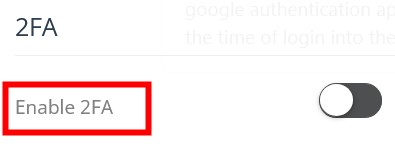
Activate 2FA Configuration
Save
Scan the QR Code and open with Google Authenticator, then Save
The next time you login, you will be asked to enter the code from Google Authenticator
