
How to Auto Provision BLF Keys within the CLOUD PBX
Login into the Cloud PBX
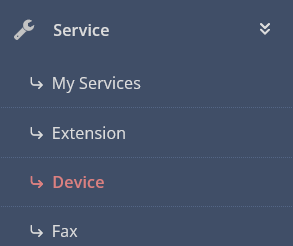
Click on SERVICE - DEVICE
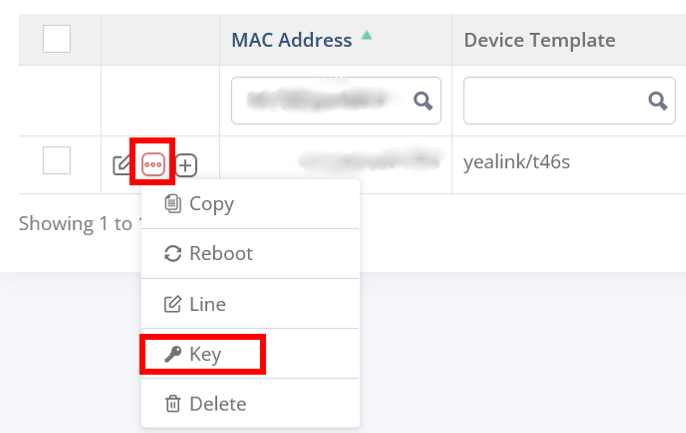
Edit the DEVICE and choos KEYS
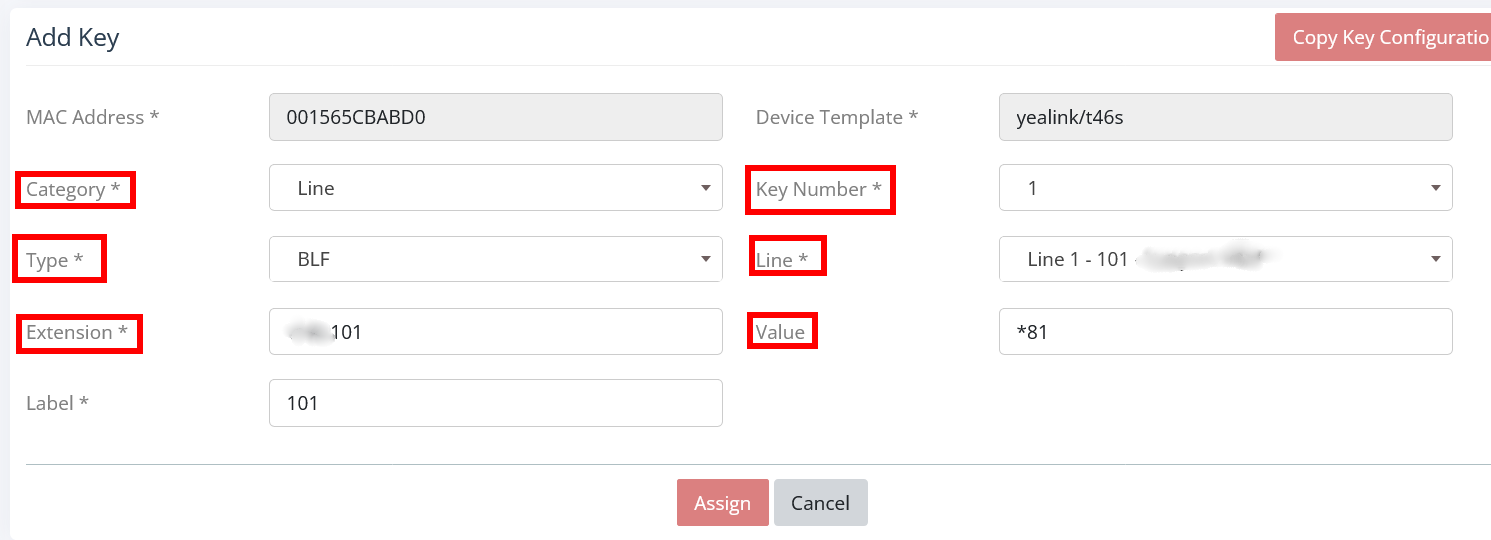
Fill entries
Save
PS. EXTENSION needs to be filled first before entering VALUE - *81 (entering *81 in this field allows to also transfer calls and pickup calls ringing on the extension 102 from your IP Phone. Entering ONLY the extension number (tenant id and extension number) 1001102 means that you only can monitor the extension - Available / Unavailable / Busy / In Use)
